The contact’s role
Do they decide on what you sell, are they involved, or does it have nothing to do with them?
PRODUCT
One administrator sets IntroJet up. Colleagues share their network through a personal link, and only hear from it again when someone asks them for an introduction.
STEP BY STEP
Every colleague gets an email with a personal link. They download their own LinkedIn export and upload it. Contacts they’d rather not share, they switch off first.
IntroJet merges variations of company names and sorts job titles by department and level. You label customers, suppliers and competitors with an export from your CRM.
Every relationship gets a score from 0 to 100, and every company a score for how reachable it is.
Sales requests an introduction. The colleague makes it, and the outcome is tracked through to any deal.
THE SCORE
Not every connection is equally useful. If you sell IT, a colleague who knows the IT manager is worth more than one who knows the recruiter. You tell IntroJet what you sell and who decides on it, and the score looks at six things.
Do they decide on what you sell, are they involved, or does it have nothing to do with them?
An architect talks more easily with an IT manager than with a controller.
A connection from last year is usually warmer than one from ten years back.
A director who knows a director is a stronger way in than a junior who knows one.
If several colleagues know the same person, the chances are better.
The more different people you know at a company, the easier it is to reach.
THE INTRODUCTION
IntroJet never sends anything on a colleague’s behalf. It makes sure the request is clear, a message is ready, and nobody forgets what still needs to happen.
For every introduction you see whether the colleague, the contact or sales has the next step.
If there’s no response, a reminder follows after a few working days. You set the number of days.
Whether it led to a meeting, a deal or nothing is recorded per introduction.
Whoever made the introduction gets a thank-you email. You can also attach points or an amount to it.
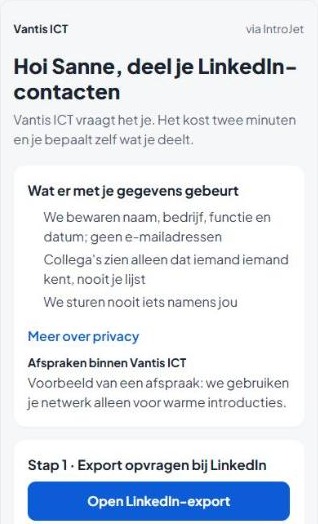
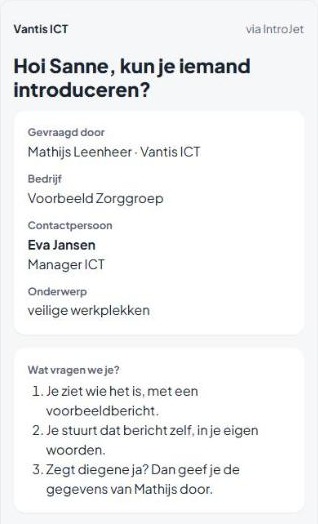
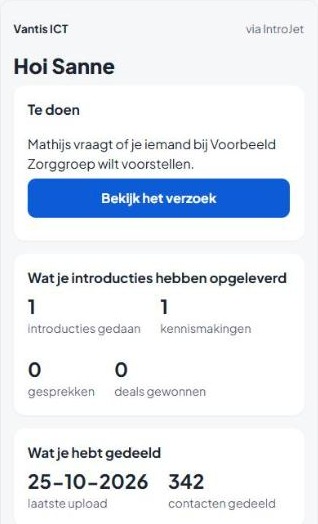
Screens from the demo environment, with made-up names.
SCREENS
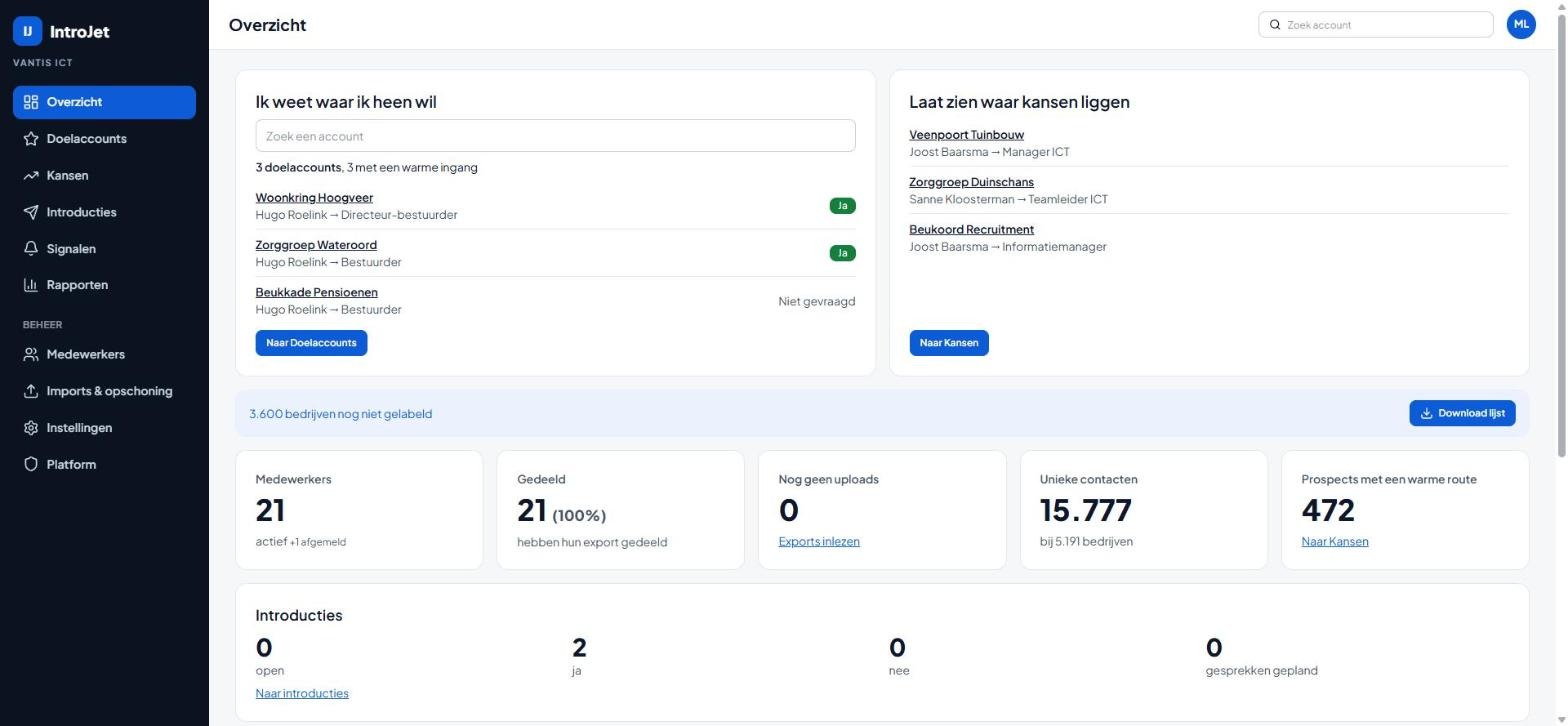
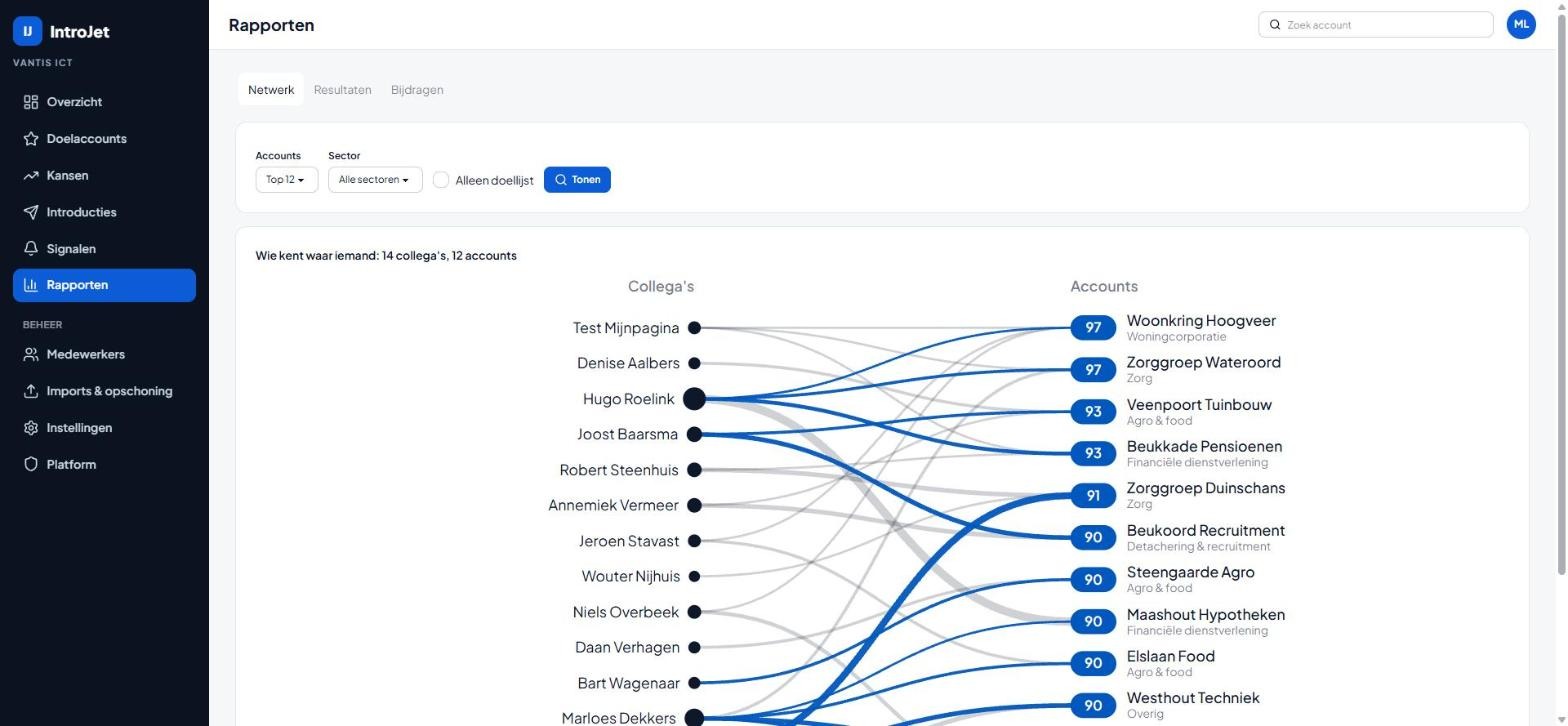
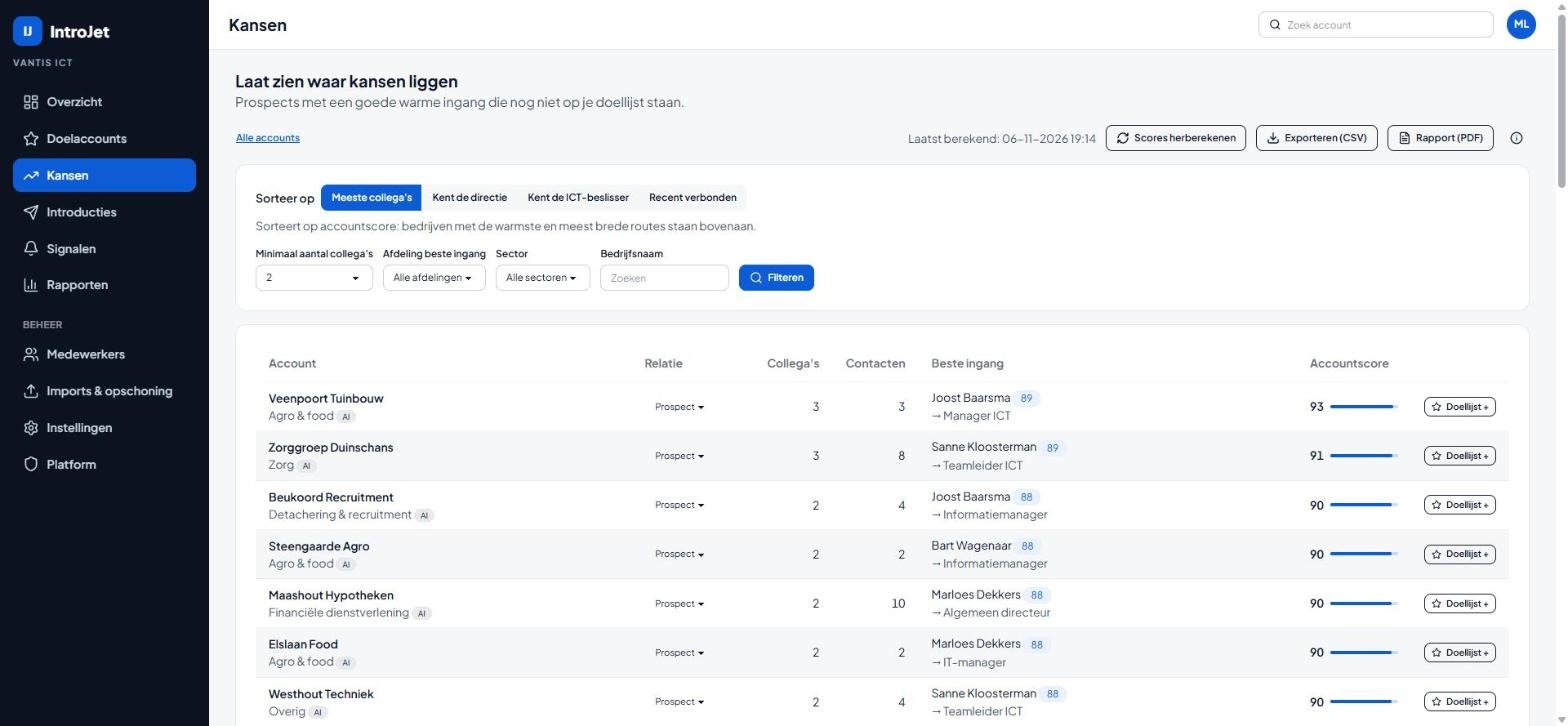
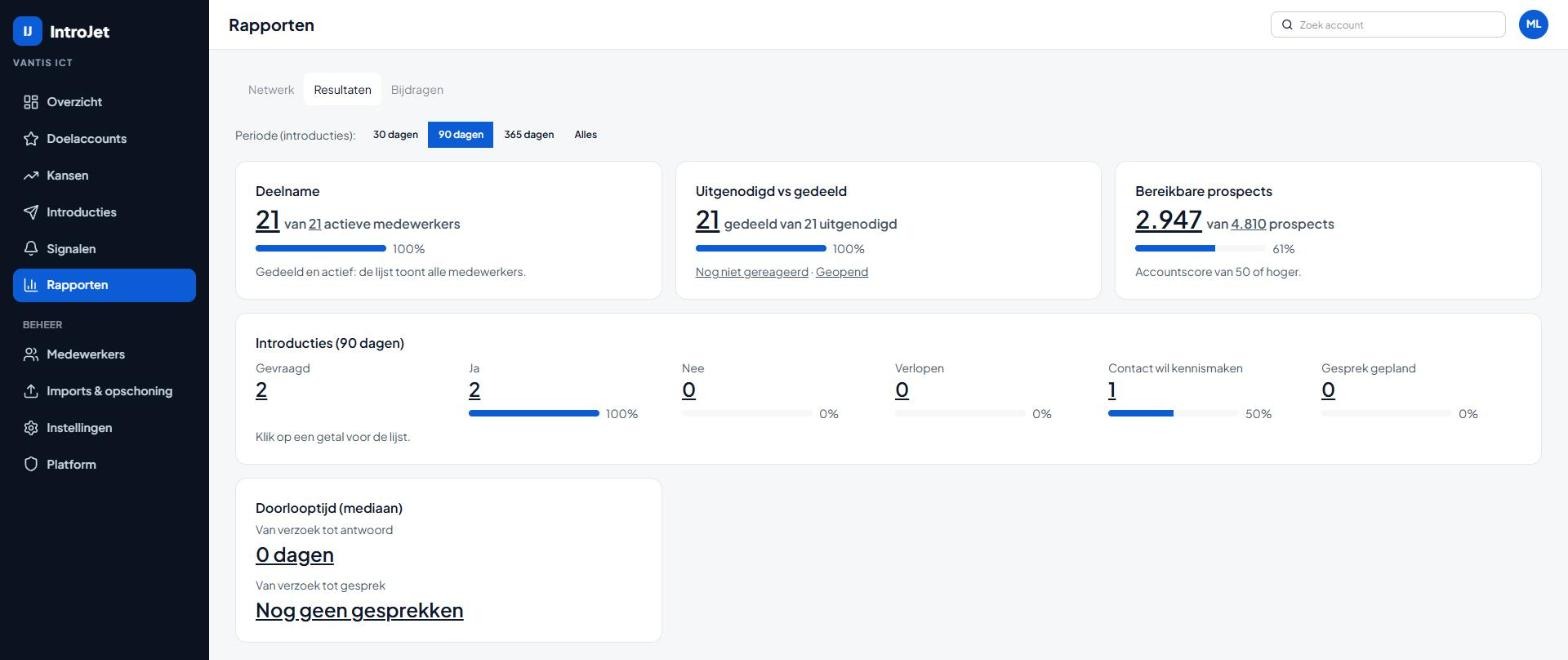
Demo environment with made-up names and companies. The interface is in Dutch.
PRIVACY
Colleagues use the official export LinkedIn itself offers. We don’t ask for passwords and don’t read mailboxes.
We keep name, job title, company and connection date. Email addresses are discarded on import and names are stored encrypted.
Sales only sees a contact’s name once the colleague has agreed to the introduction. Nobody can see a colleague’s address book.
A colleague can switch off contacts, see what they have shared and opt out with one click. Their shared network is then deleted.
You decide how long networks are kept. After that they’re deleted automatically, with a warning in advance.
When a colleague leaves, we delete their network. What they contributed earlier stays visible.
NEXT TO YOUR CRM
Load your target accounts and customers from a CRM export, as CSV or Excel.
Put accounts and routes back into your CRM with a CSV file, or fetch them through the API.
A PDF per company for the account manager, with the best route and alternatives.
You hear about it when a colleague makes a relevant new connection, or a contact changes jobs.
Leave your details. We’ll get in touch within one working day to schedule a demo or a network scan.